Thanks to some of its most cutting-edge features, the Huawei Mate 80 Pro Max is one of the greatest flagship smartphones of 2025. No, we’re talking about the unique features that are worth your consideration rather than the ultimate specs!
With the Mate 80 Pro Max and its state-of-the-art features, Huawei has addressed every issue, including performance and photography. Let’s examine each of these attributes of the new flagship in greater detail.
Design: the best look!
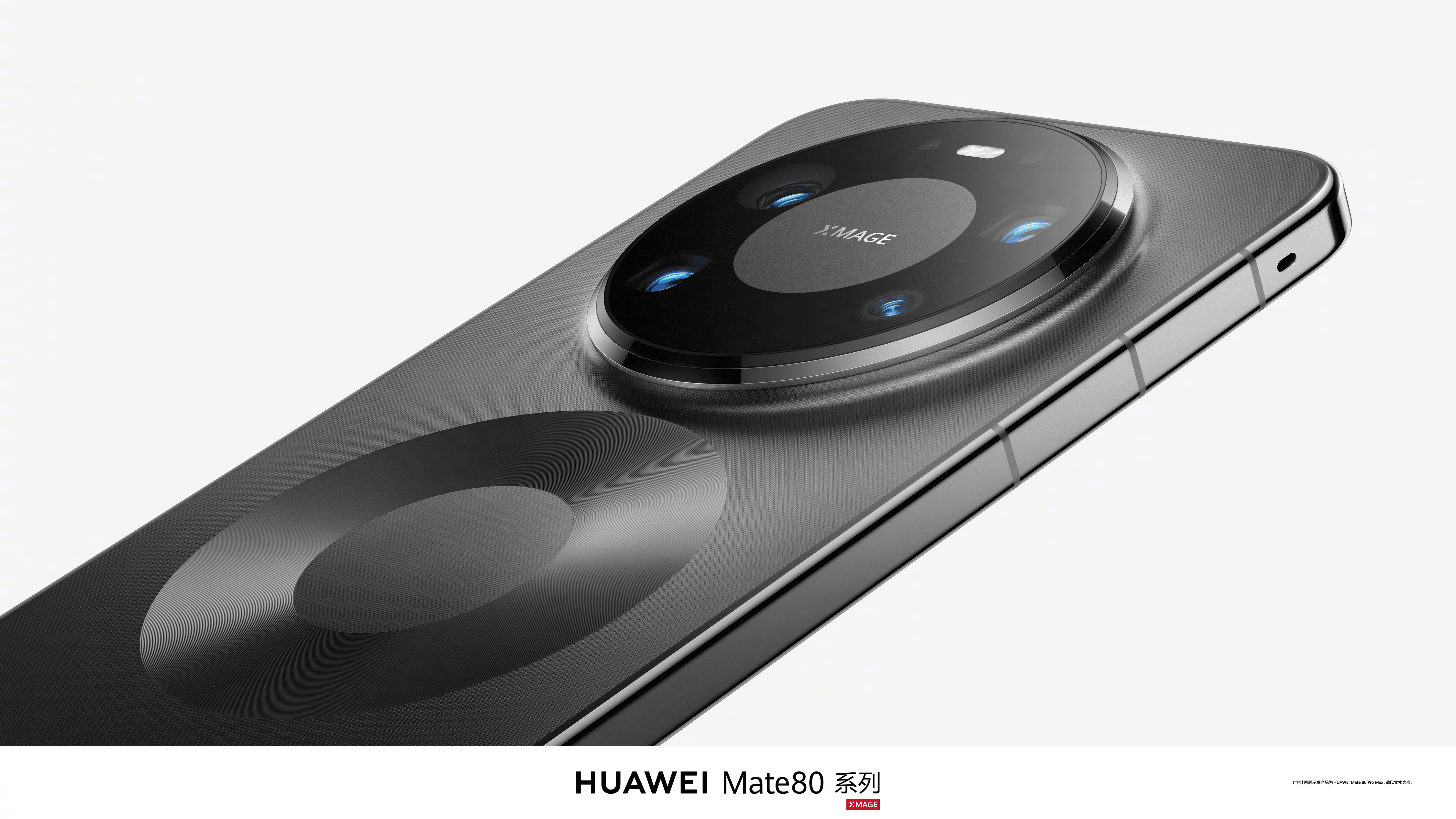
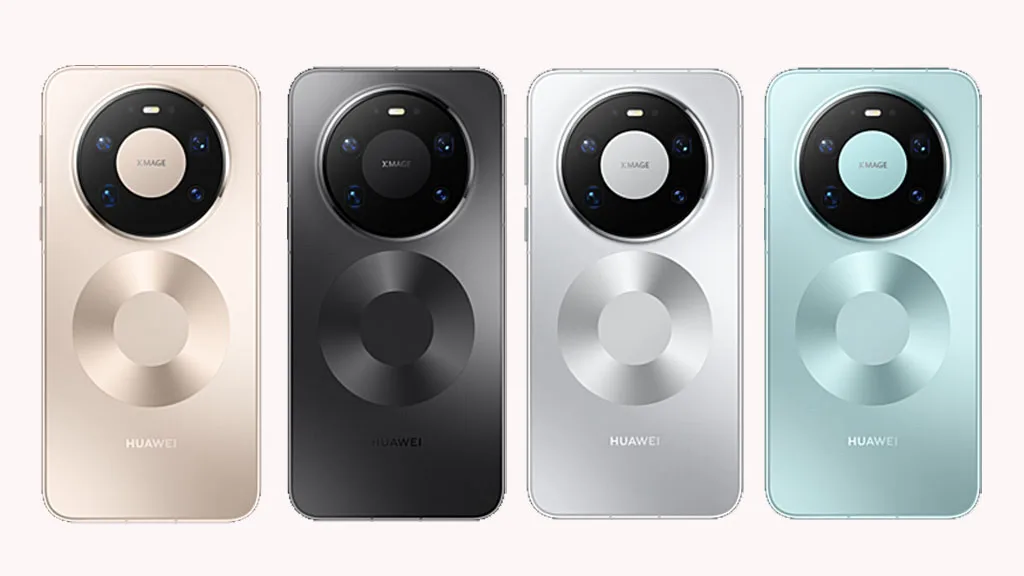
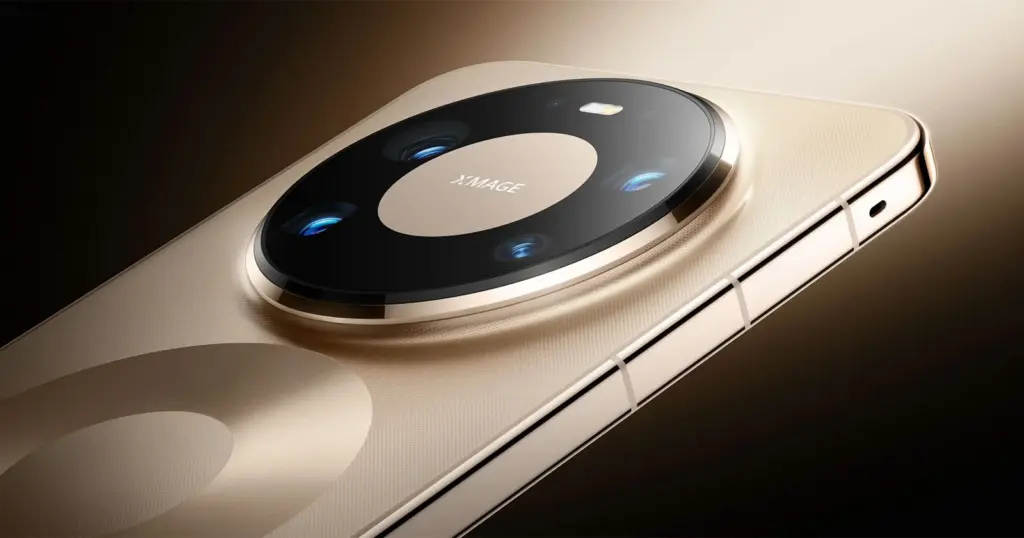
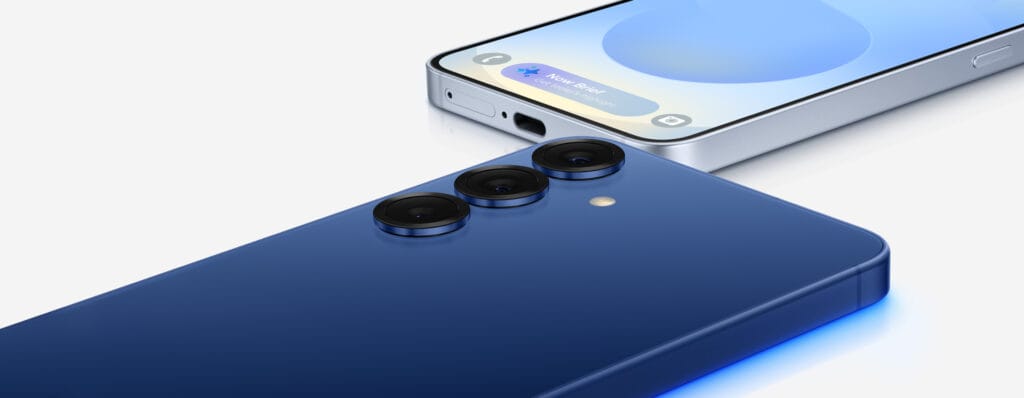
Are you tired of the same old circle camera design on the back? The Mate 80 Pro Max has an infinite appearance because the manufacturer recognizes your feelings.
This specific design strategy alludes to the new smartphone’s limitless, remarkable features. In order to highlight the device’s name and make it seem more auspicious, it also reflects the number “8.” It’s amazing how MATE is integrated into the lens architecture.
In the meantime, your smartphone’s all-metal body guarantees that it will be safe and secure throughout its life, regardless of any drops, water falls, or scratches.
Screen: Brightness like never before
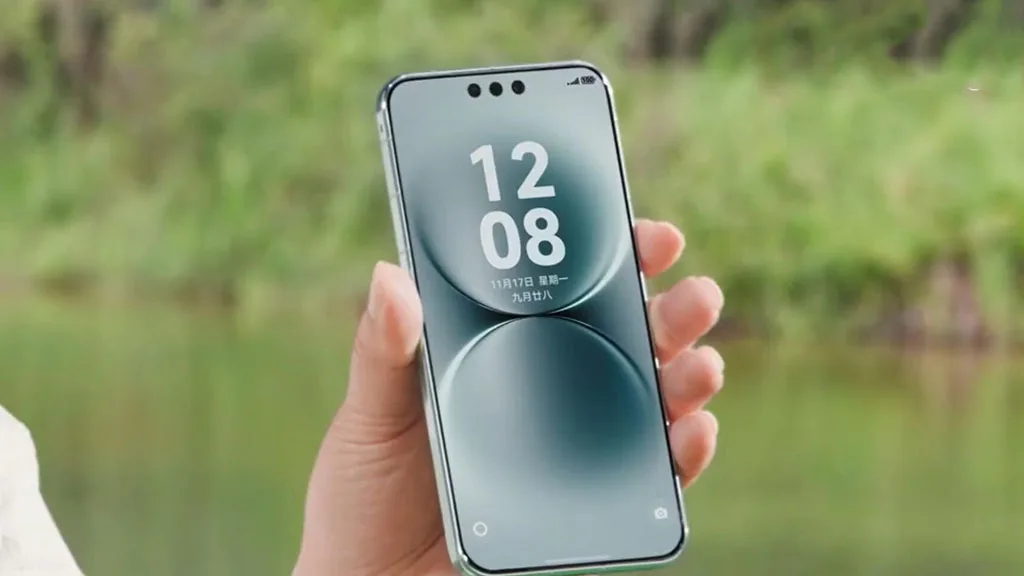
The screen of the Mate 80 Pro Max is the result of some unique work by Huawei. In contrast to previous Mate phones, the 2025 model has a dual-layer OLED panel that lowers battery usage while also increasing brightness.
What’s unique, though? This time, it’s the maximum brightness, which is 8000 nits. The Mate 80 Pro Max is the first phone with this level of brightness, outperforming the iPhone 17 Pro Max and Galaxy S25 Ultra and establishing a new standard for premium models in 2026.
When watching videos or playing games, the screen eventually stays clear even in direct sunshine, and the content’s colors are crisp and vibrant.
Celia AI – the AI assistant
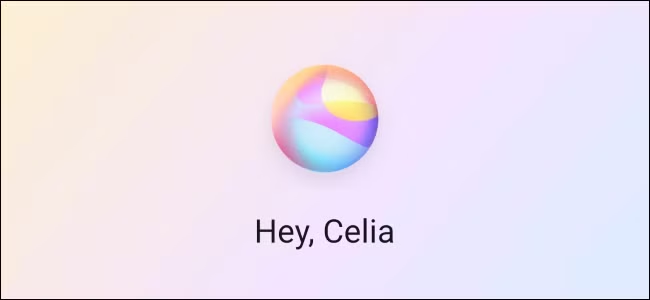
Huawei joined the smartphone market with its Celia AI assistant, competing with Gemini and Siri. It is now a human friend with certain dynamic capabilities rather than an artificial intelligence model.
With just a single utterance, you can now use Celia’s AI assistant to order new products, place restaurant orders, book flights, and perform a number of other tasks.
Tell Celia, for example, if you want to order an outfit or something to eat while playing your favorite game. Additionally, it will take you straight to the payment stage. You can complete the transaction without exiting the game, so don’t worry. Additionally, the app will use your voice to verify the payment.
Connectivity: weak signals become a thing of the past
With antenna breaks on all four sides of the frame (the phone’s rear panel), this would likely be the first gadget. What does that signify? The device will provide seamless communication regardless of how you handle it.
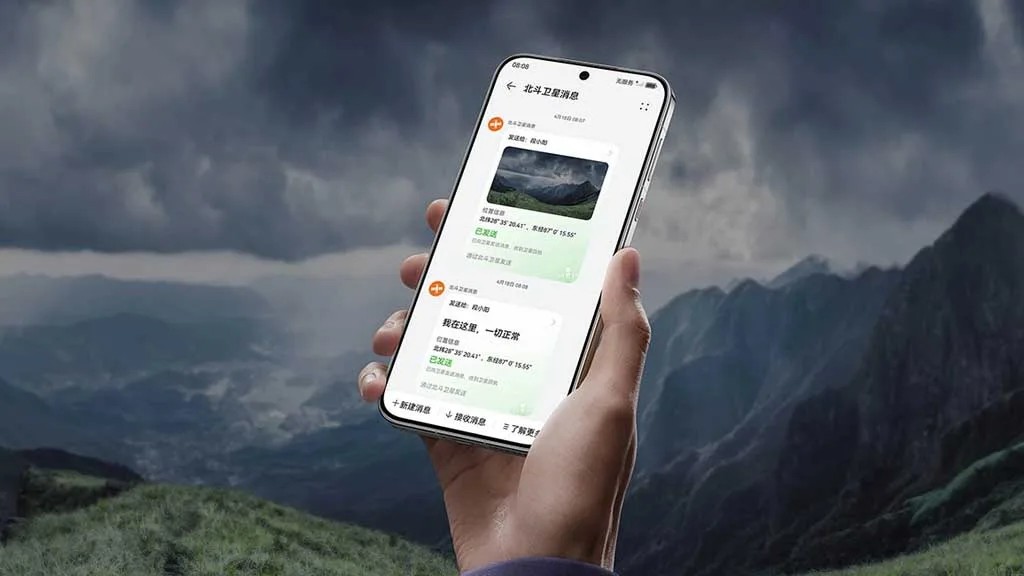
Apps like Beijing Metro Line 10, which gained popularity because to its poor signal, now offer lag-free, uninterrupted video playback. Users may even monitor the weather without internet access thanks to dual-satellite connectivity.
Three barriers can be penetrated and 13 kilometers can be covered via 700MHz wireless communication. As a result, you can communicate with other users even in places where there is absolutely no service.
With its outdoor mode, the Huawei Mate 80 Pro Max’s battery lasts for 14 days. Hiking tracks for some well-known routes can be recorded, imported, or even downloaded with its assistance. Additionally, you identify the rising trend and indicate risk appropriately.
Camera – top tier
Mate phones are not so much imaging devices as they are performance-based ones. However, Huawei has perverted this theory this time. With five potent sensors, including the second-generation multispectral lens, the Mate 80 Pro Max boasts an amazing camera package.
The gadget features a 50MP ultra-high dynamic primary camera, a 40MP ultrawide angle camera, a 50MP super-focus macro telephoto lens, a 50MP super telephoto sensor, and an improved multispectral lens for legendary image and video capture.
The new multispectral camera increases color reproduction accuracy by 43% when paired with the 9th-generation ISP. They are more colorful than ever, regardless of whether the photo needs to be taken underwater, in strong light, or in a gloomy environment.
Thus, these are the incredible qualities of the Huawei Mate 80 Pro Max that truly need your consideration. To improve the overall user experience, additional features include 5A Speed and smart grip.
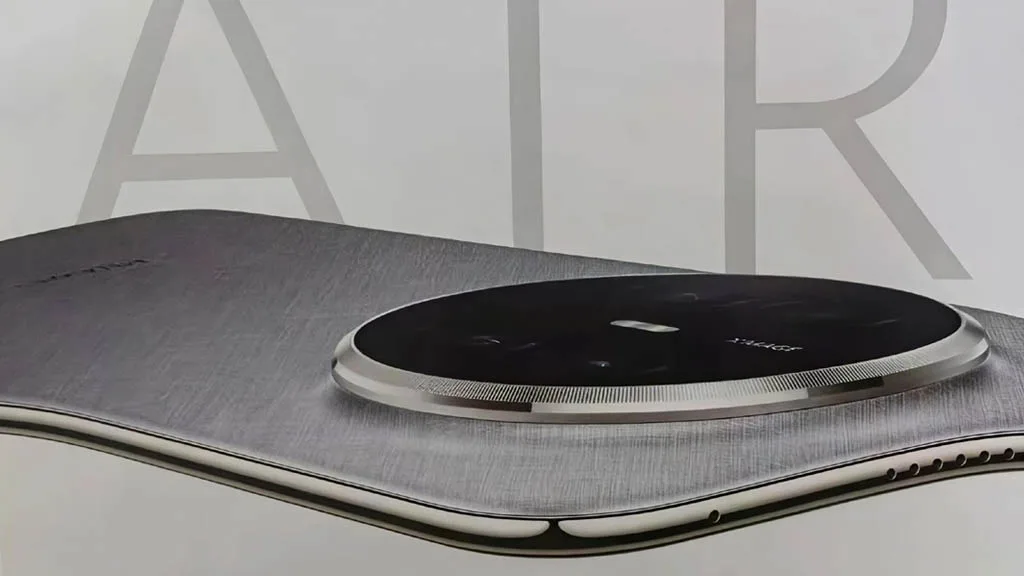
In the battery war, the Huawei Mate 70 Air has defeated the iPhone Air and the Galaxy S25 Edge. The gadget has performed exceptionally well in the area where most brands attempt to make compromises in favor of appearance, although it may be a few millimeters behind in the battle for slimness.
One of the device’s most crucial components is the battery. If it’s a decent one, you won’t have to worry about using a charger for a few days. However, a low-density cell hinders your enjoyment in addition to using more power.
Samsung and Apple devices have excellent features and specifications. However, the battery life is something that these firms are continuously working to improve.
Huawei Mate 70 Air comes with a huge battery
Apple and Samsung are unable to incorporate a higher-density battery into their top phones despite no technological limitations. The batteries of phones such as the Galaxy S25 Ultra and the iPhone 17 Pro Max are 5000mAh and 4823mAh, respectively.
Therefore, it is unrealistic to expect these brands’ thin gadgets to have larger battery capacities. Slimness frequently results in less space for the device’s internal parameters.
Therefore, in order to achieve that ideal tiny profile, tech manufacturers must either reduce the battery capacity or other specifications like camera sensors and more.
It’s interesting to note that the Huawei Mate 70 Air has demonstrated to the manufacturers of the iPhone and Galaxy that a handset can still have a huge battery while still maintaining its thin form.
A 6500mAh ultra-thin silicon-carbon anode battery powers the Mate 70 Air’s remarkable battery life. Additionally, it offers a 66W fast cable charger that quickly charges the tablet without interfering with your video or gaming.
As a result, the Huawei Mate 70 Air smartphone offers flagship-quality battery life in addition to a fully functional experience. You can choose between a thin model with a full power pack or one that is only skinny.
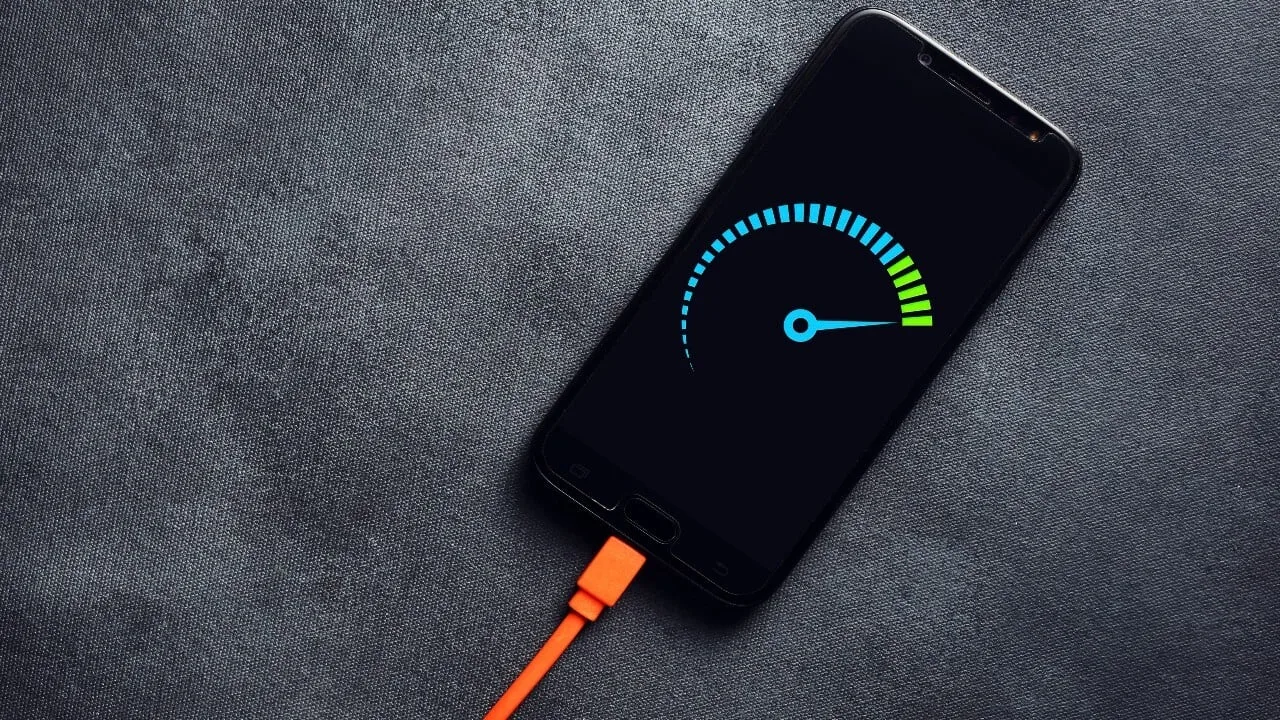
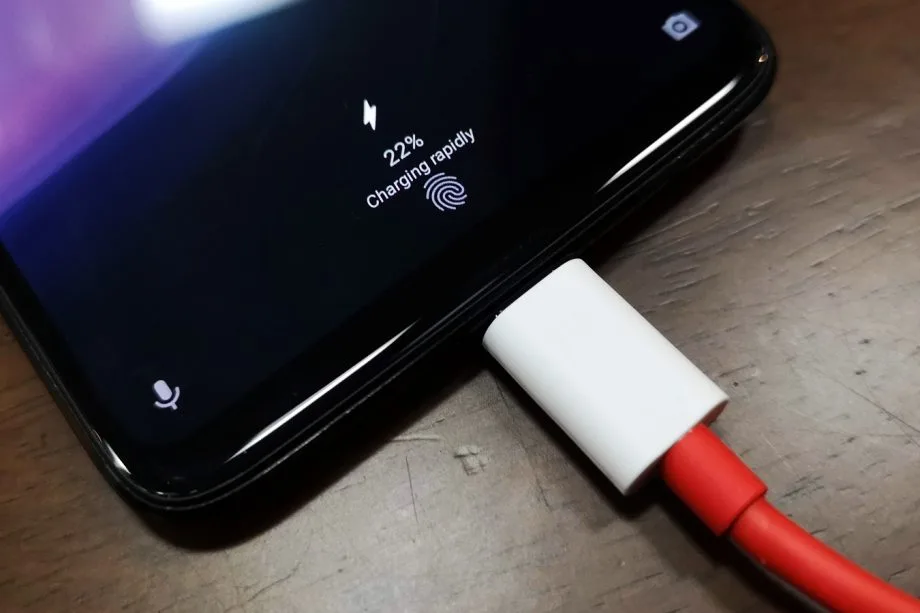
30 minutes to fully charge the battery? A growing number of cellphones can be fully charged in less than an hour. Does this rapid charging, however, harm the battery? This has been examined in an experiment, which yields an unexpected result.
30 minutes to fully charge the battery? A growing number of cellphones can be fully charged in less than an hour. Does this rapid charging, however, harm the battery? This has been examined in an experiment, which yields an unexpected result.
A Chinese do-it-yourself team called HTX Studio looked into this precise subject. After purchasing ten identical iPhones and ten Android devices, the do-it-yourselfers split them up into groups. A fast-charging power supply unit was used to charge one group, while a slow charger was used for the other. We finally have a response after 500 full charges and six months.
How did they do it?
Two groups of iPhones were created. Apple’s 40-watt power supply was used to charge three gadgets, while the outdated 5-watt power supply was used for the remaining three. To ascertain the typical aging of the battery over time, a second iPhone was left completely uncharged as a control group.
For the Android cellphones, the configuration was the same. The iQOO7, which is unavailable in this nation, was utilized twice: once with 18 watts and once with the maximum power of 120 watts.
The smartphones are fully charged by self-programmed software, which then uses up the battery once again until it is only five percent. After that, the charging procedure resumes. In this way, 500 charging cycles were carried out over a few months.
Is fast charging bad for your phone’s battery?
The enthusiasts looked at the batteries both before and after the experiment. This is due to the fact that not all smartphones have the same battery capacity when they are manufactured. There may be slight variations of less than one percent. The batteries were inspected once more after 500 cycles, and the amount of capacity they had lost was calculated:
iPhone (slow charge): 11.8%
iPhone (fast charge): 12.3%
Android (slow charge): 8.8%
Android (fast charge): 8.5%
The outcomes are unexpected. Faster charging caused the batteries in iPhones to lose 0.5 percent of their capacity, but the batteries in Android cellphones even lost 0.3 percent. Only in a lab can these variations be quantified. Therefore, the service life of your battery is essentially unaffected by fast charging.
How to take care of your battery
For the longest potential service life, batteries should be kept between 30 and 80 percent charged, according to another battery myth. For mobile cellphones, some manufacturers even include an 80 percent charge cap.
In order to test this notion, the Baster team charged another set of cellphones to 80% capacity before draining the battery to 30%. The experiment was repeated 1000 times because this was only half of a charging cycle.
iPhone (30-80 percent): 8.3%
Android (30-80 percent): 6.0%
Therefore, you are actually doing your smartphone’s battery a favor if you never charge it to more than 80%. However, the difference in day-to-day living is negligible even here. Therefore, the experiment demonstrates that you should just charge your smartphone whenever it is most convenient for you rather to spending a lot of time and effort doing so.
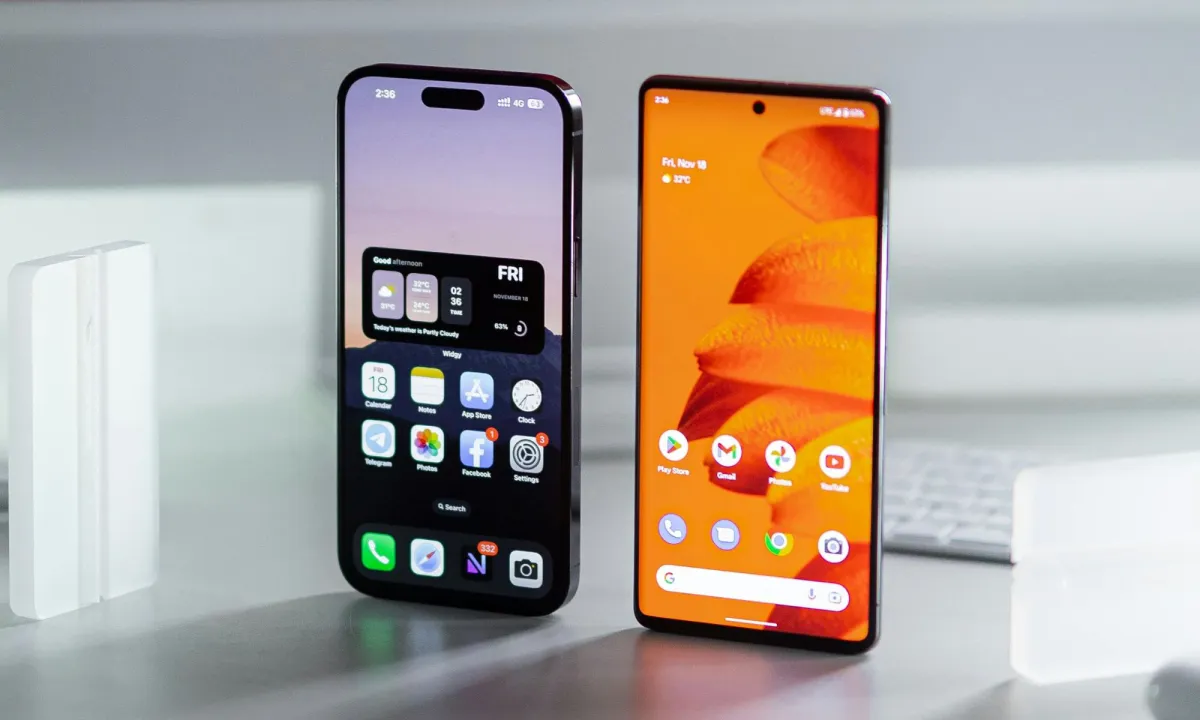
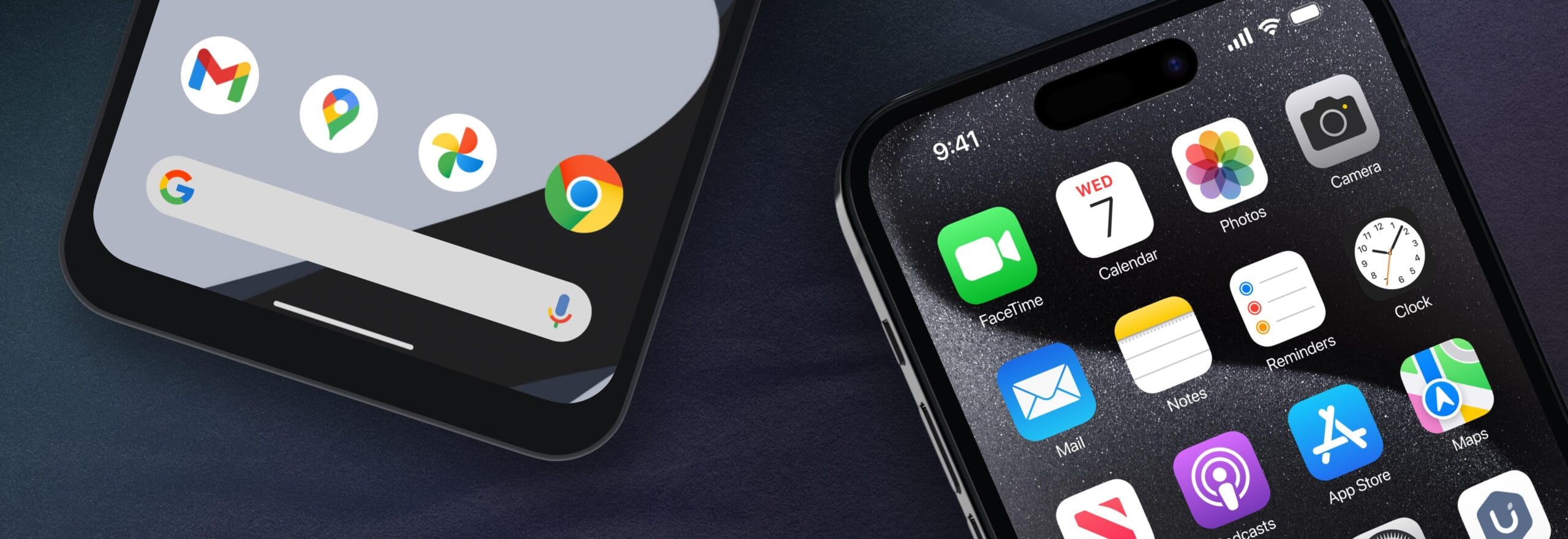
It might be difficult to switch between an Android phone and an iPhone, especially for novice users. App settings seldom ever survive the changeover, half of your logins are lost, and saved game data is erased. However, Apple may be changing that at last.
Developers discovered a new framework called AppMigrationKit in the iOS 26.1 beta. It is intended to assist apps in moving data from the iPhone to other platforms, such as Android. Although it isn’t currently available to the public, it suggests that Apple is covertly creating a more adaptable migration system that doesn’t totally entail you in its ecosystem.
Developers that choose to support the toolkit can utilize it to enable the transfer of offline files, saved preferences, and game progress while configuring a new phone. It expands on Apple’s Move to iOS functionality, but it does it in reverse this time, possibly enabling Android users to transfer their data back to iOS.
According to reports, a “Transfer to iPhone” feature will be included in Android’s upcoming version, beginning with eSIM data. When taken as a whole, they imply that both digital behemoths are at last embracing the concept of seamless cross-platform switching, something consumers have long desired.
AppMigrationKit is currently only in early testing, and how quickly developers accept it will determine how widely it is used. Support will probably be released update by update and app by app. However, if Apple continues on its current path, switching phones may soon no longer feel like a fresh start in the digital world.
AppMigrationKit may be the first step toward a more transparent Apple, one that acknowledges that users may come and go. Additionally, it allows developers to maintain privacy while controlling what data is transferred and how. If it performs as advertised, you may finally be able to stop losing your digital footprint whenever you change phones.
Now, the question is whether Apple’s competitors and app developers will act quickly enough to make switching ecosystems as simple as switching devices.
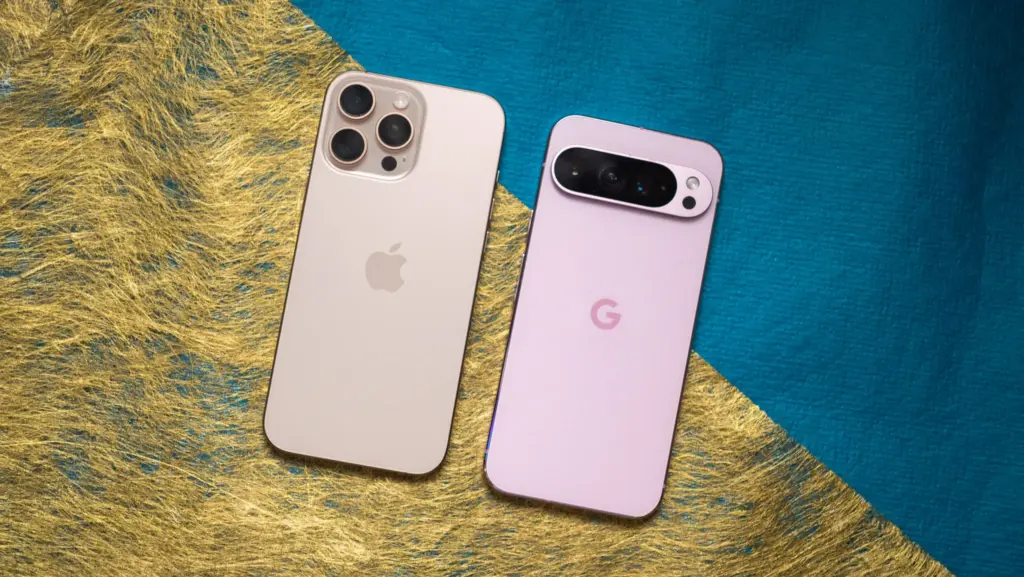
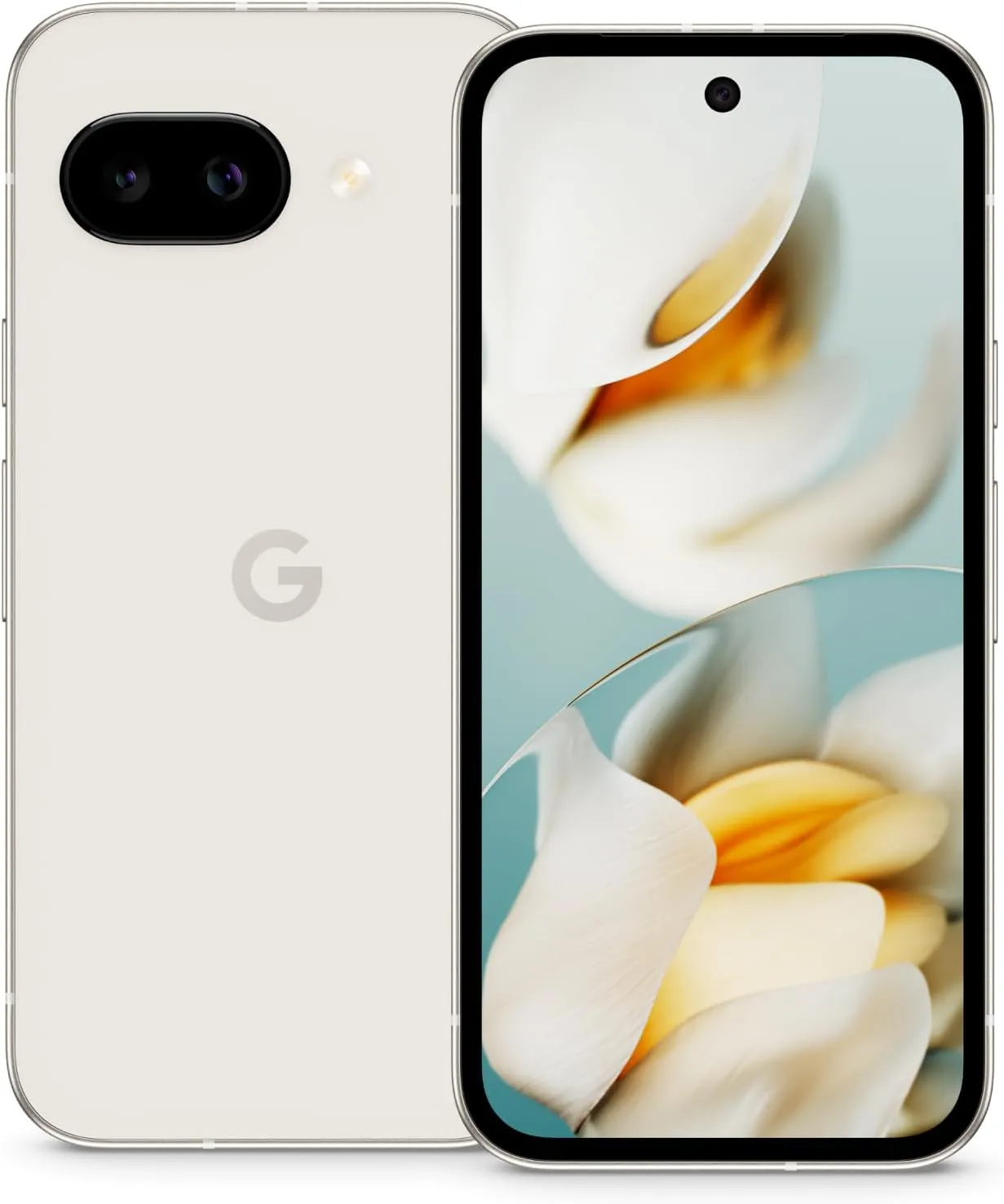
Given the constant release of new gadgets, shopping for a new smartphone may be quite difficult. The Google Pixel 10 is a popular option for many people, and it’s understandable why. It has a ton of fantastic functions, and Google’s unique software helps everything work together seamlessly. Nevertheless, the cost of $799 is high.
There are many alternative possibilities that can be a better fit for your needs, and the smartphone industry is enormous. Even if the Pixel 10 is an amazing device, there are less expensive solutions that can fit your budget or personal taste. Perhaps a new operating system, a longer-lasting battery, a special camera function, or just something more affordable without sacrificing performance are what you’d prefer.
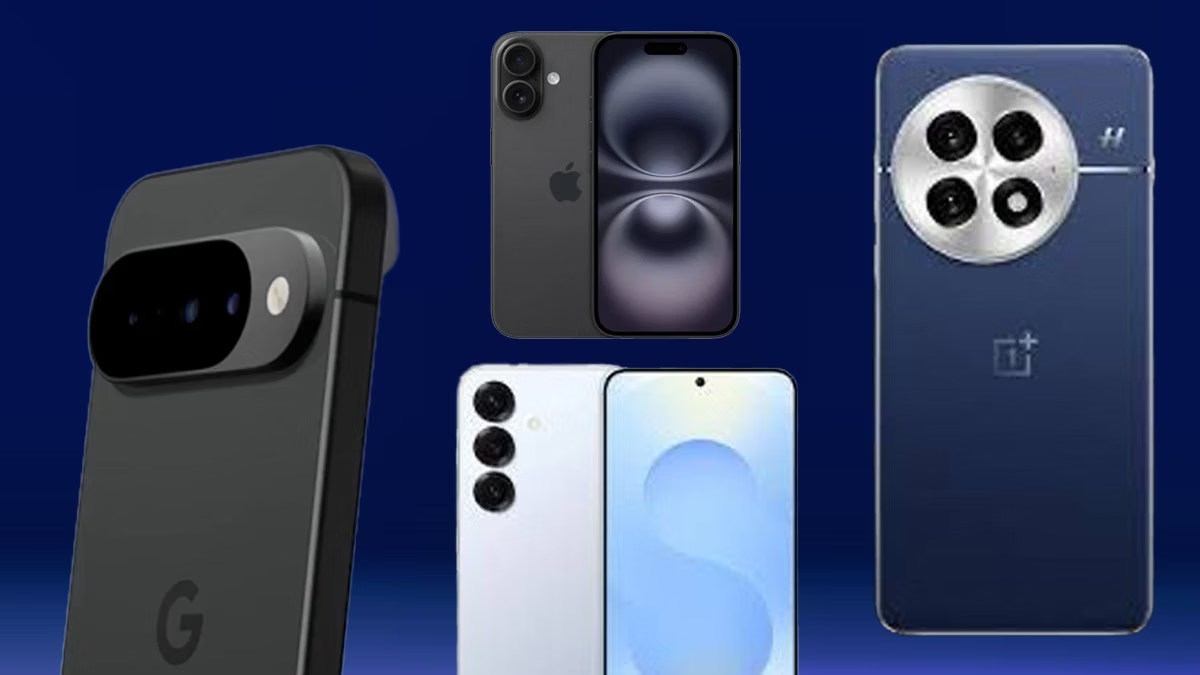
Some very good smartphones with their own special benefits are excellent substitutes for the Google Pixel 10. Every one of these phones has distinctive characteristics that show how they stack up against Google’s flagship. These phones are excellent substitutes for Google’s Pixel 10, regardless of whether you’re a tech geek seeking a particular technological advantage or someone who simply wants the greatest price without sacrificing many features.
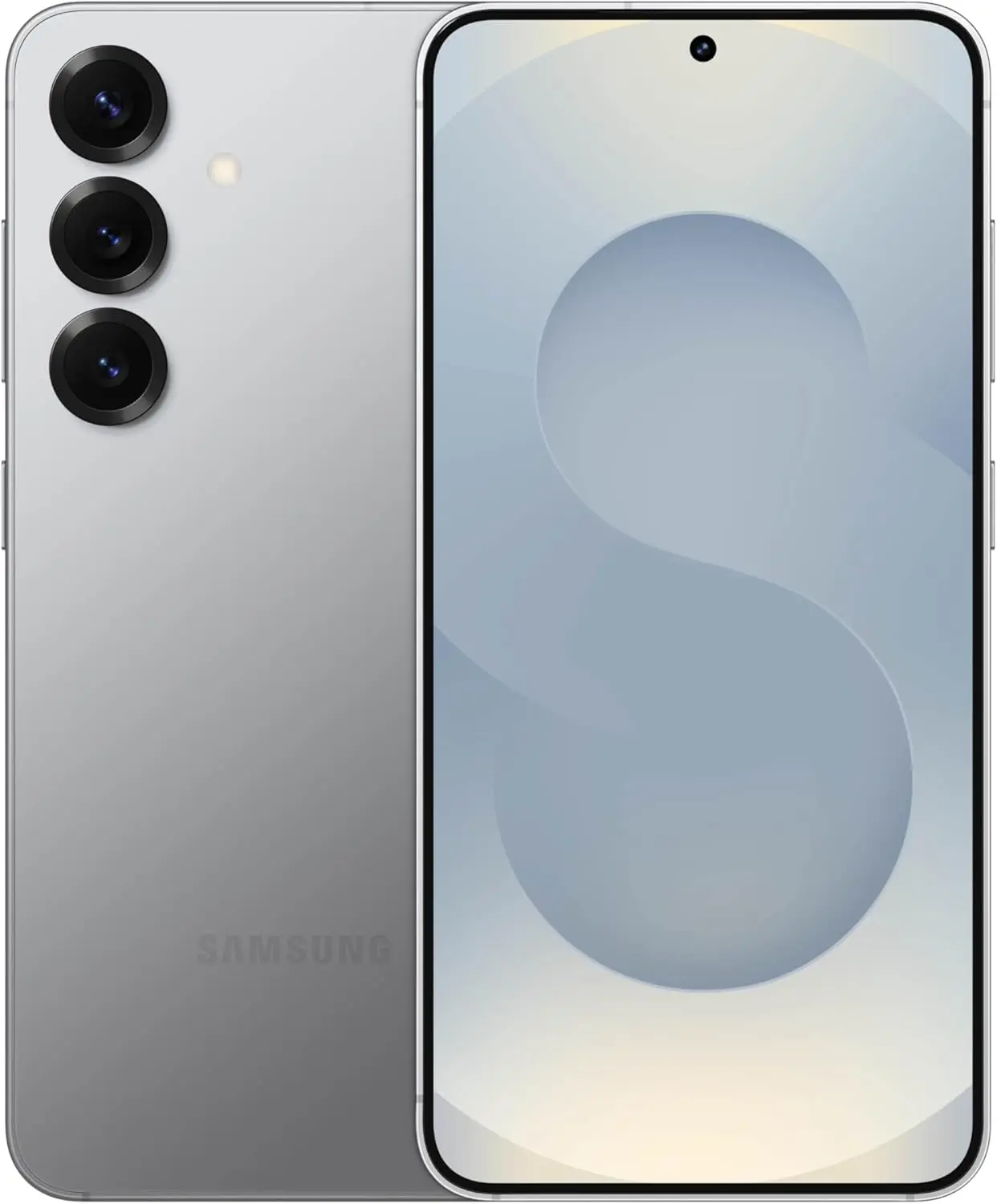
Samsung Galaxy S25
SAMSUNG Galaxy S25
Streamline your day with an assistant that gets you. Ask it to Google search for a pet-friendly vegan restaurant nearby and text it to your friend— your Galaxy S25 handles multiple tasks with a single ask.
The Samsung Galaxy S25 is the greatest choice if you’re looking for a new phone, especially when compared to the Google Pixel 10. The Galaxy S25 is available for less than $799, usually around $720, but the Pixel 10 costs $799. As we explained in our review, the S25 is a true beast in terms of performance. Its Qualcomm Snapdragon 8 Elite for Galaxy processor, which offers outstanding performance, powers it. Accordingly, the S25 is excellent for demanding Android apps that you wouldn’t use on a low-cost phone. Samsung’s bigger vapor chamber further enhanced cooling.
A 4,000 mAh battery and a bright 6.2-inch Dynamic AMOLED 2X screen with a peak brightness of 2,600 nits and a smooth 120Hz adaptive refresh rate make the S25 an excellent device to use outside in direct sunlight. The 50MP primary, 12MP ultrawide, and 10MP 3x telephoto lenses make up an amazing camera system.Your images and selfies will have better detail and realistic tones thanks to the ProVisual Engine and improved color science. In addition, Samsung has matched Google’s pledge to provide upgrades for the Pixel 10 with seven years of OS and security patches.
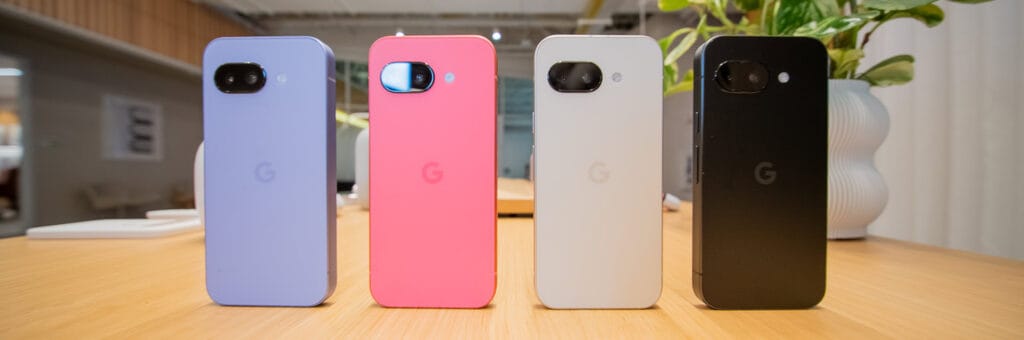
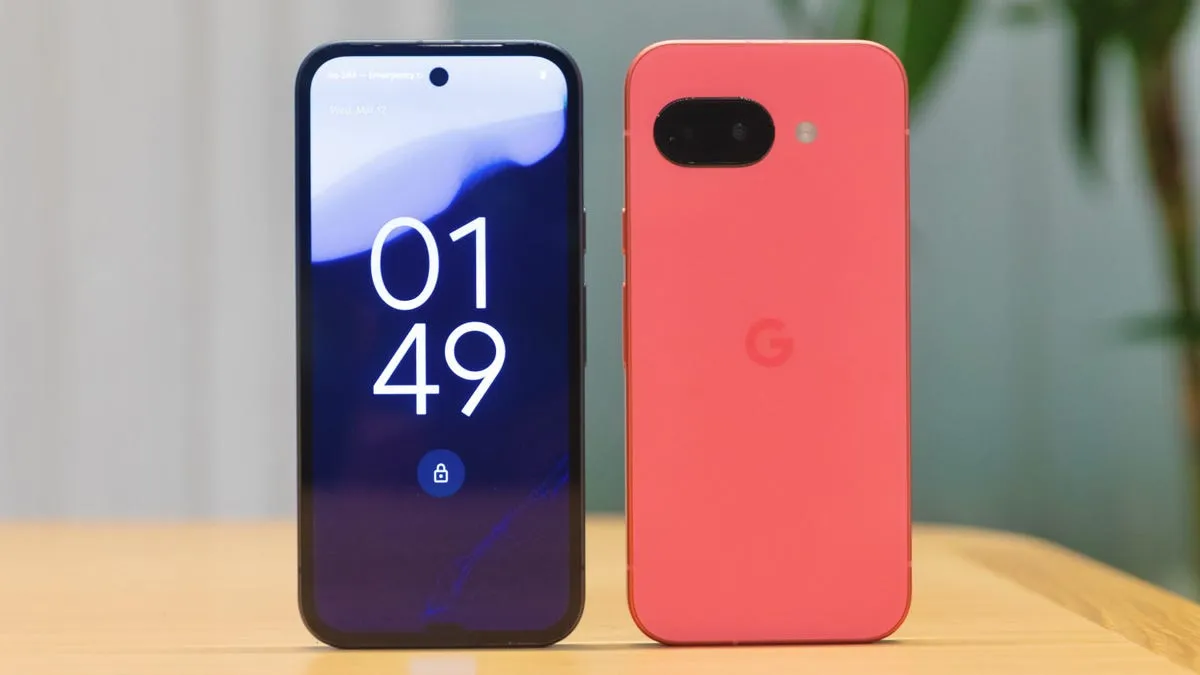
Google Pixel 9a
Google Pixel 9a
Google Pixel 9a is engineered by Google with more than you expect, for less than you think; like Gemini, your built-in AI assistant, the incredible Pixel Camera, and an all-day battery and durable design
If you want a fantastic phone without the hefty cost of the Google Pixel 10, the Google Pixel 9a is a strong candidate. Despite being from the previous generation, its pricing has allowed it to endure to this day. At launch, the Pixel 9a cost only $499, $300 less than the starting price of $799 for the Google Pixel 10.
The Pixel 9a has a fantastic display while being less expensive. We noted in our review that the Pixel 9a’s 6.3-inch Actua pOLED display, which boasts a refresh rate of 120 Hz, makes everything appear bright and feel fluid. Even in direct sunshine, you won’t have any problems viewing the screen thanks to its maximum brightness of 2,700 nits.
In fact, the Pixel 9a frequently outperforms its more costly sister in terms of battery life. At 5,100 mAh, it boasts the biggest battery of any Pixel to date. One of the Pixel 9a‘s main selling points is its camera, which is well regarded for being good for a mid-range phone. With its 48MP primary sensor and 13MP ultrawide camera, it captures crisp, well-balanced images with outstanding color and dynamic range using Google’s algorithms. Many of Google’s cutting-edge AI photo-editing features, like Magic Editor, Auto Frame, and Best Take, are also included.
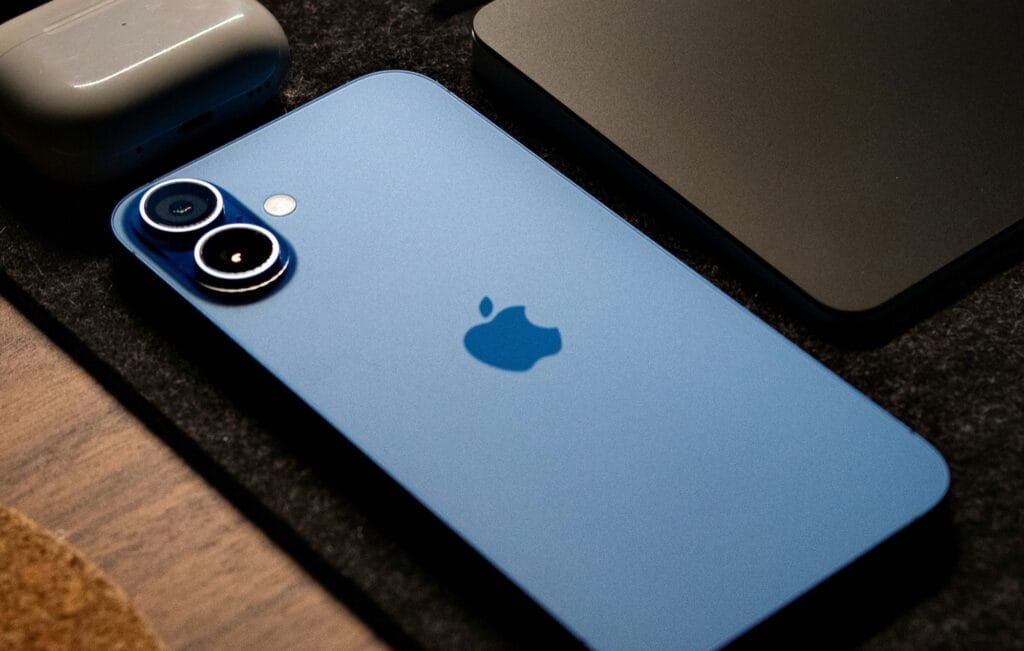
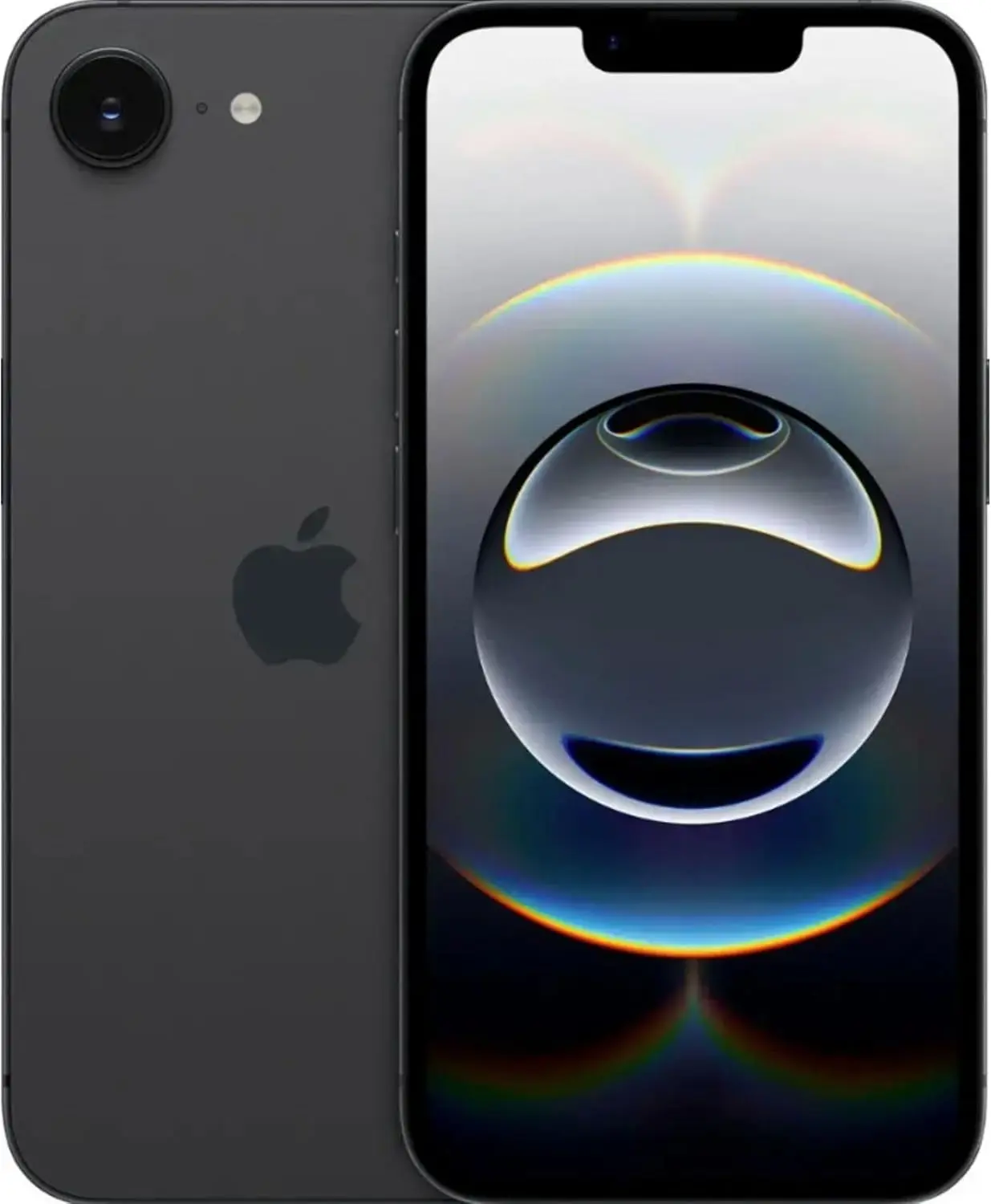
Apple iPhone 16e
The Apple iPhone 16e starts at just $599, which is $200 cheaper than the Google Pixel 10’s price tag. To be fair, even with that lower price, you’re still getting Apple’s latest A18 chip, the same one in the regular iPhone 16. It does have one fewer GPU core, but it still delivers excellent performance for everything from daily tasks to heavy-duty games and all those new Apple Intelligence features without any lag.
Apple iPhone 16e
This pre-owned product is not Apple certified, but has been professionally inspected, tested and cleaned by Amazon-qualified suppliers.
As we noted in our review, the iPhone 16e‘s battery life is yet another significant benefit. Compared to the standard iPhone 16 and many other mid-range Android phones, its battery can last even longer. According to Apple, it can play videos for up to 26 hours. The new, more power-efficient C1 modem from Apple is largely responsible for this longer battery life.
The primary camera is a powerful 48MP model with optical picture stabilization. It captures excellent 4K video and daily photographs. Even while it lacks the Pixel 10’s specialized telephoto and ultrawide lenses, you can still obtain a 2x zoom by cropping the primary sensor. The phone is running the clean iOS 18 software, which is fantastic for lifespan. You can anticipate four to seven years of software updates.
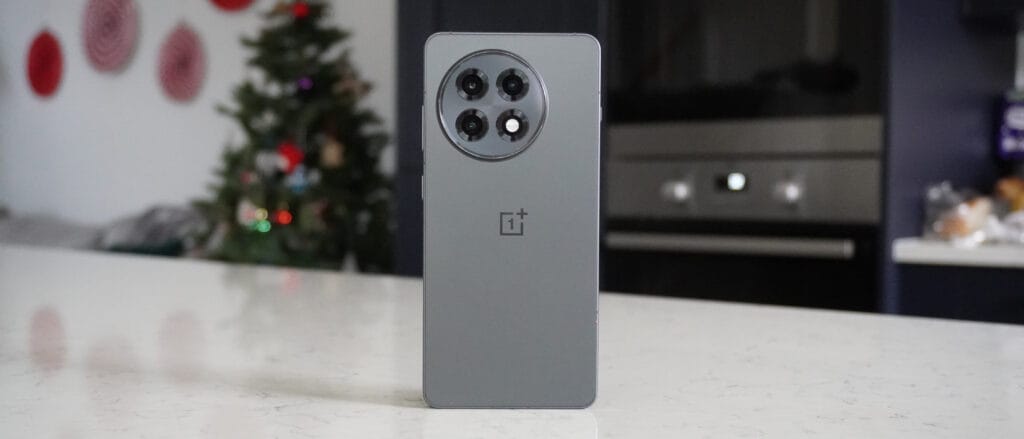
OnePlus 13R
OnePlus 13R
Performance with Snapdragon 8 Gen 3: Experience the cutting-edge power of the Snapdragon 8 Gen 3 chipset, offering blazing-fast speeds, enhanced gaming performance, and seamless multitasking for an ultra-smooth mobile experience.
The OnePlus 13R‘s pricing is its greatest advantage. It is $200 less expensive than the Pixel 10 at just $599. That kind of savings may seem like a lot of sacrifice, but it’s not. For its pricing, the OnePlus 13R is a beast in terms of performance. The Qualcomm Snapdragon 8 Gen 3 chipset, a top-tier CPU the previous year, powers it.
Even earlier Snapdragon chips can outperform the Pixel 10 in terms of sheer power, particularly when it comes to gaming, even if the Pixel 10 features Google’s Tensor G5 CPU. We noted in our evaluation that the 13R has a long battery life and charges quickly. With its enormous 6,000 mAh battery, it can comfortably run on moderate power for two full days.With the OnePlus 13R‘s 80W SuperVOOC wired charging capability, a 60% charge can be obtained in 30 minutes. Compared to the Pixel 10’s 30W cable charging, that is significantly faster.
The OnePlus 13R’s 50MP primary camera captures vibrant, clear images, even though the Pixel 10 boasts a triple-camera setup with a 5x optical zoom. Additionally, it features a bright 6.78-inch AMOLED screen with a refresh rate of 120 Hz.
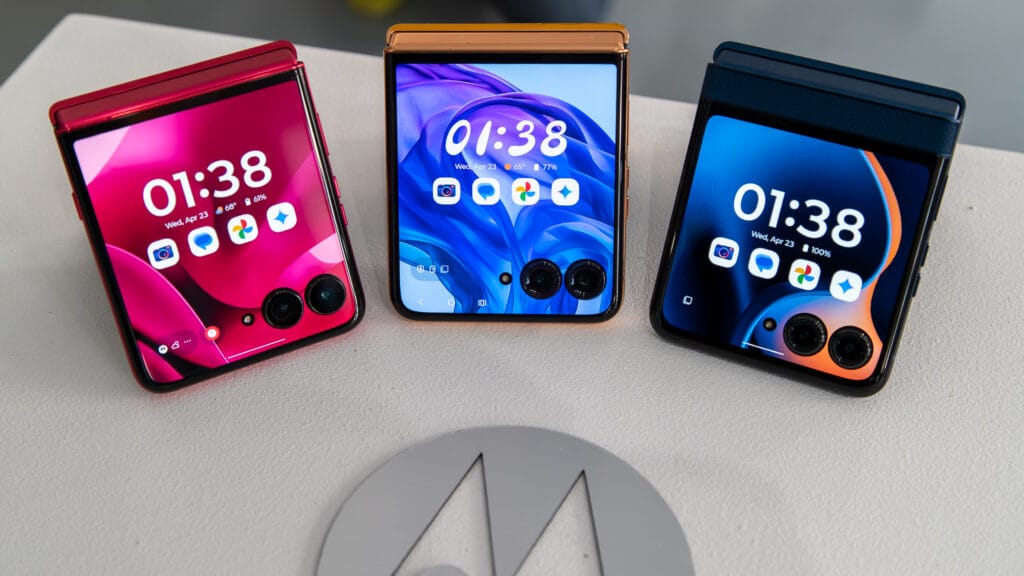
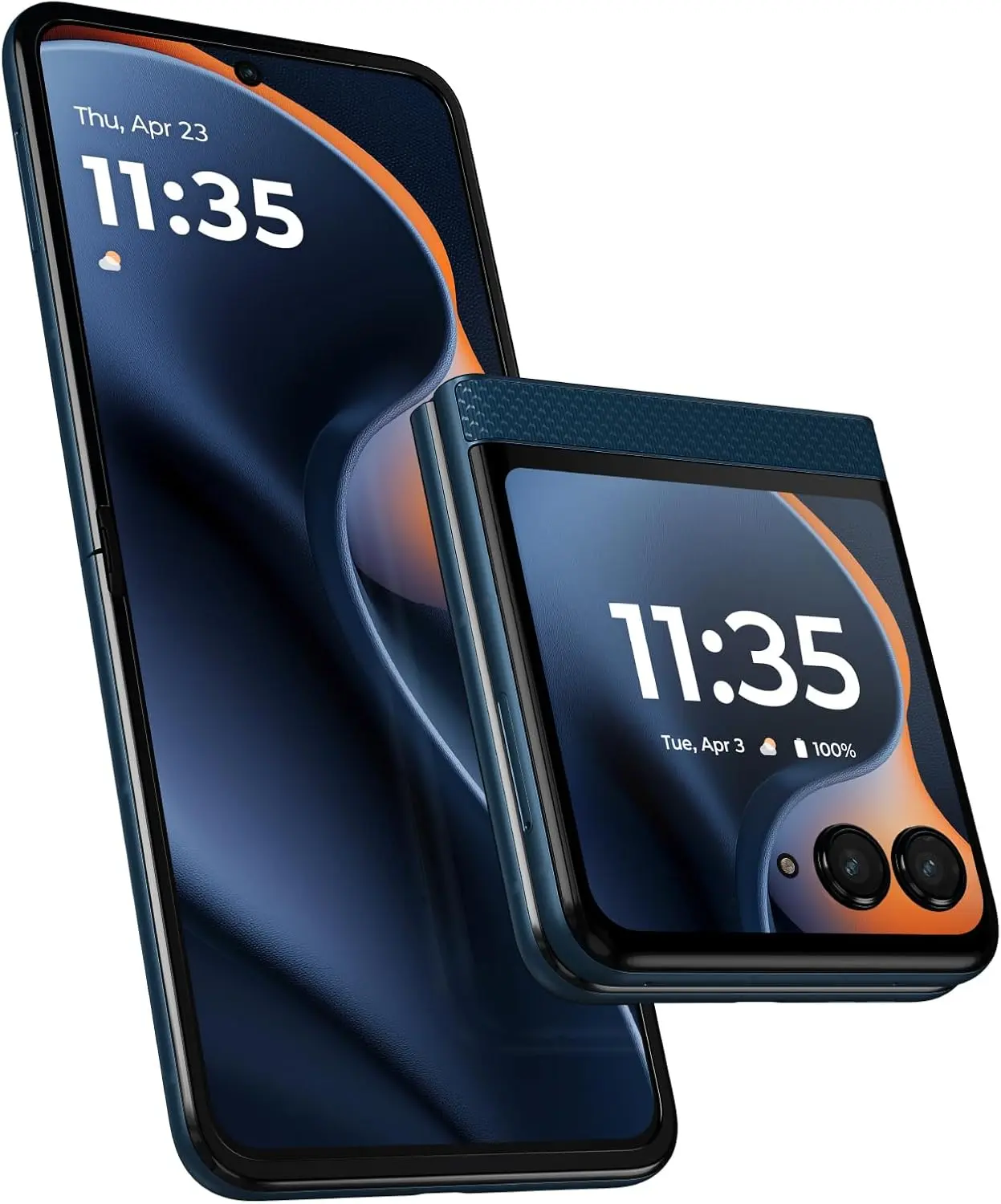
Motorola Razr 2025
Motorola Razr 2025
Iconic design, now even more durable: Ultra-compact flip design featuring a stronger hinge plate made with titanium, beautiful finishes, and curated Pantone Colors.
The Motorola Razr 2025 is an excellent option if you’re searching for a new phone that won’t break the bank. At $599, it’s less expensive than the Google Pixel 10. When folded, the Razr 2025 is incredibly small, but when opened, it reveals a sizable 6.9-inch AMOLED inner display with a fluid refresh rate of 120 Hz. The important apps that every Android owner should always have loaded can still be used on its convenient 3.6-inch pOLED outer screen.
The Razr 2025 has a very good battery life. Its 4,500 mAh battery has a 24-hour lifespan. With 15W wireless and 30W cable charging, it also offers respectable charging speeds. To be fair, the Razr 2025‘s three years of support is still commendable, even though the Pixel 10 offers seven years of software updates.
The Razr 2025 has a MediaTek Dimensity 7400X chipset, but the Google Pixel 10 boasts a triple-camera configuration with a 5x optical zoom and the most recent Tensor G5 CPU. All of your regular chores and light games can be handled by this chip. With a 50MP primary lens and a 13MP ultrawide, the camera setup performs admirably in well-lit environments.
The phones on this list are ranked according to their total worth. Performance, camera quality, battery life, and distinctive features are all factors that contribute to their asking price. Every phone has to be less expensive than the $799 price tag of the new Google Pixel 10. Since the Google Pixel 10 is a brand-new device, there are some older models that are equally or even superior for a significantly lesser cost.
It was crucial that we were knowledgeable enough to suggest these phones. In the end, all of the phones on our list are good options since they include the functionality that most people desire. Even less powerful phones, such as the Motorola Razr 2025, are excellent substitutes for the Google Pixel 10. To keep the price low, some of the phones on the list simply make a few larger compromises in areas like camera performance, charging speed, or general hardware.
Even while there isn’t such a thing as a free lunch, there is such a thing as free apps! We’ll look at a selection of free apps for iOS and Android phones today, which includes games and other kinds of apps. Please be aware that you must act immediately because these offers are time-sensitive and we are unsure of when they may end.
A wide variety of programs, from free to premium solutions, are available in the Google Play Store and Apple App Store, respectively. Many customers may be surprised to learn that during promotional events, a number of paid apps are frequently made temporarily available for free. We’ve put together a list of some of the most interesting apps available for free right now.
Free premium apps (Android)
Reminder Pro($3.49) – If you ever need a second brain like me, then this is the app to go for. It is a reminder app that will definitely come in handy, giving you alerts and various options to be notified, so that you know what’s next on your “To Do” list without falling behind on deadlines.
Resume Builder – CV Maker($4.99) – Ever wanted to conjure a resume while you are on the move? If you have answered in the affirmative, you can do so on the move with this nifty little app. Of course, some of us might use other apps, but this is rather comforting for old school folks like me.
Age Calculator Pro($0.49) – If you are poor in math, just like me, then this age calculator app might be just the thing! It is ideal to calculate my age and discover the total years, months, days, weeks, hours, minutes, and seconds between two dates! Of course, this is also nifty to find the date difference between important events like marriage anniversaries, work anniversaries, birthdays, festivals, and holidays, among others.
Free premium apps (iOS)
Lego Duplo Doctor(S4.99) – What do you think your little one is going to grow up to be? Well, let’s not pressure the tiny tots just yet and let them play. And who does not like Lego? Duplo can be said to be the introductory doorway to the world of Lego, and this game squarely places them into a hospital environment.
BJJ Old Man Style($19.99) – Check out this instructional app that features a 1 hour 45 minute video, where Jiu Jitsu black belt Rick Ellis showcases how he approaches the BJJ game as an older athlete. Rick emphasizes developing your game into systems of attack and defense, opening up various options when faced with different opponents.
Pixel Thoughts($0.99) – I would highly recommend using this app with a pair of headphones, as it lets you enjoy meditation by placing your thoughts into a star. Just focus on what’s boggling your mind and meditate to gain some perspective in a more focused manner.
At the time this post was published, all of the apps we are showcasing here were free to download. Regretfully, developers frequently fail to indicate the duration of these offers. Don’t hesitate to download an app if you enjoy it.
However, you should always check the app page in the store before downloading a free program. Because there are occasionally unnoticed obstacles that you should be mindful of.
The majority of free apps either provide in-app purchases or have advertisements. But some apps that cost money also accomplish this. It is crucial to give these factors the consideration they require, particularly if the game is meant for young players.
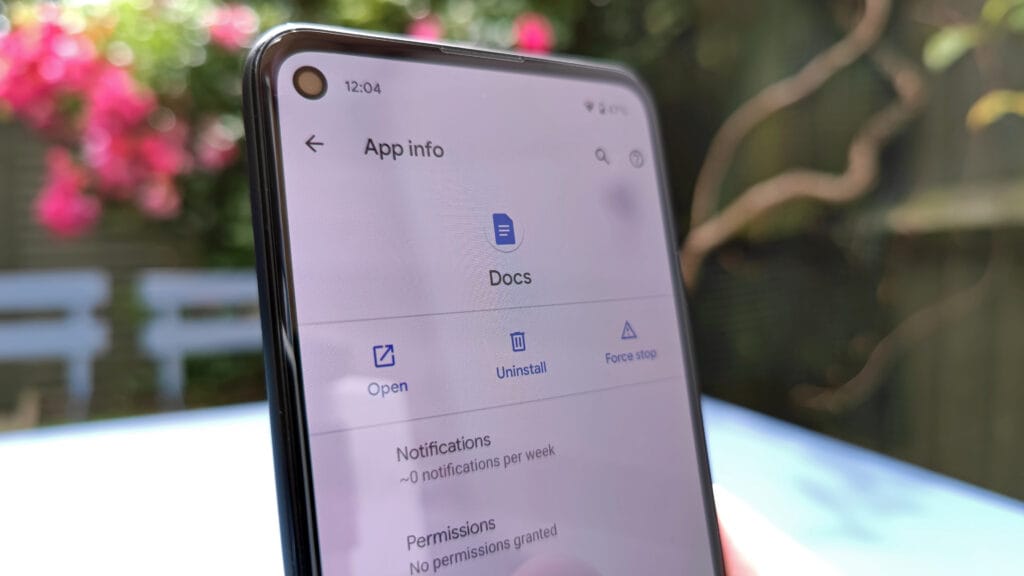
Many apps gather user information and frequently sell it to outside parties. Therefore, make sure you only give the program the rights it truly requires if you want to be safe. For instance, a flashlight shouldn’t be interested in your location information, and an alarm clock doesn’t require access to your contacts or cameras.
The Samsung Galaxy S25 Ultra and iPhone 17 Pro are two of the greatest phones available right now because of their incredible cameras and powerful processors. Even though these high-end flagships could be the best mobile devices available right now, getting them will cost you a fortune. Even phones that are affordable, like the Google Pixel 9A, are still expensive, and since people’s budgets are getting tighter everywhere, it’s more crucial than ever to get the most out of your purchases. Instead of updating more frequently, the simplest approach to achieve that is to just stay using your phone longer, spreading out that expensive purchase across the years.
Not only is it better for your wallet, but it’s also much better for the environment. If you upgrade your phone less frequently, fewer phones will be made and distributed, and fewer old phones will wind up in landfills. The good news is that manufacturers such as Apple, Google, Samsung, and others are extending the support period for their phones’ software updates, so the phone you purchase today will continue to be safe to use for many years to come.
You are responsible for the remainder. It takes some work, a lot of attention, and a few crucial tactics to keep your phone in good operating order for the seven or eight years of software support it may receive.
Therefore, these are the best ways to extend the life of your phone.
Update the software
Avoid using a phone that isn’t receiving security upgrades since it’s just not safe. Phones like the Google Pixel 9 series now come with seven years of software support, whereas before it was typical for many Android manufacturers to support new phones for only two to three years. Unfortunately, some less expensive phones, such as the recently released OnePlus Nord CE4 Lite, only get upgrades for a few years. When purchasing a new phone, be sure to inquire about its support duration since this will provide you with greater value during the phone’s lifetime.
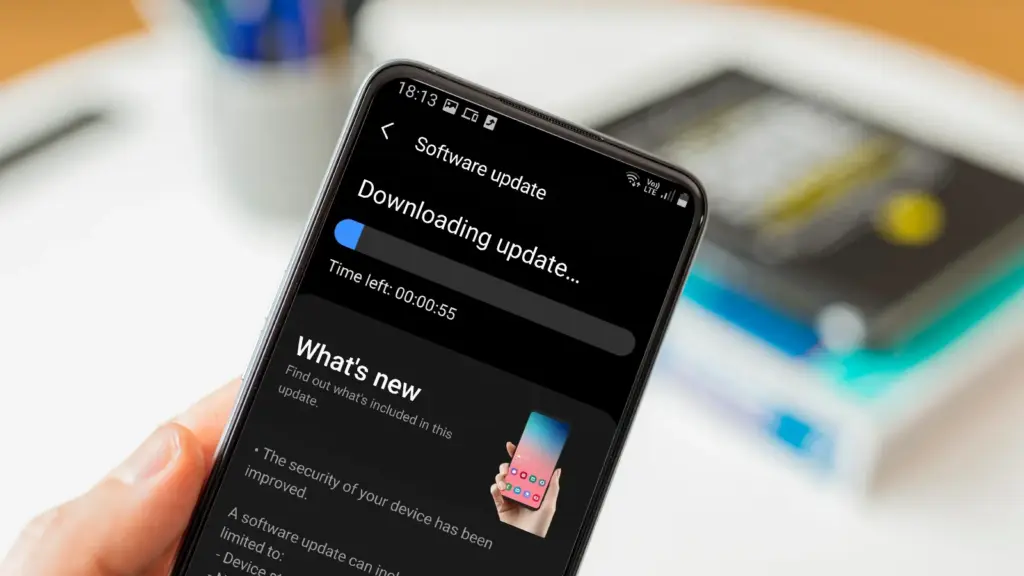
Keeping your phone up to date with the most recent security update will help prevent hackers and remove any dangerous software that might infiltrate and cause your phone to lag. If you have an older phone, go to the settings menu, scroll down to Software Update, and click to see if there is an update available. Most phones will automatically ask you to install the most recent upgrades, and you sh
This also applies to your apps, which must be updated to stay compatible with the iOS or Android version you’re using. Allowing apps to update automatically in the background is a good idea, but if you don’t, make sure you’re running the most recent versions by going into your preferred app store.
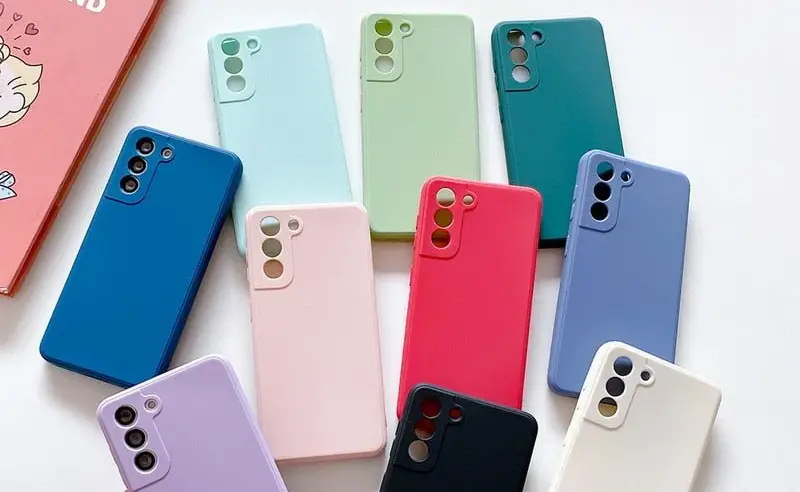
Protect it with a case
If you recently purchased a brand-new iPhone, installing a case right away is the best way to preserve it physically. In addition to protecting it in the event that you drop it, it will also assist prevent it from absorbing tiny scratches from your pocket’s coins or keys.
Since there isn’t much you can do to repair your phone’s screen after it becomes damaged, a screen protector is also a smart option. You can easily change a screen protector if it gets a severe scratch, keeping the phone itself looking brand new for many years to come. When it’s time to update, keeping your phone looking new could help you sell it for more money on the used market, even if you don’t intend to keep it for many years.
Replace the battery
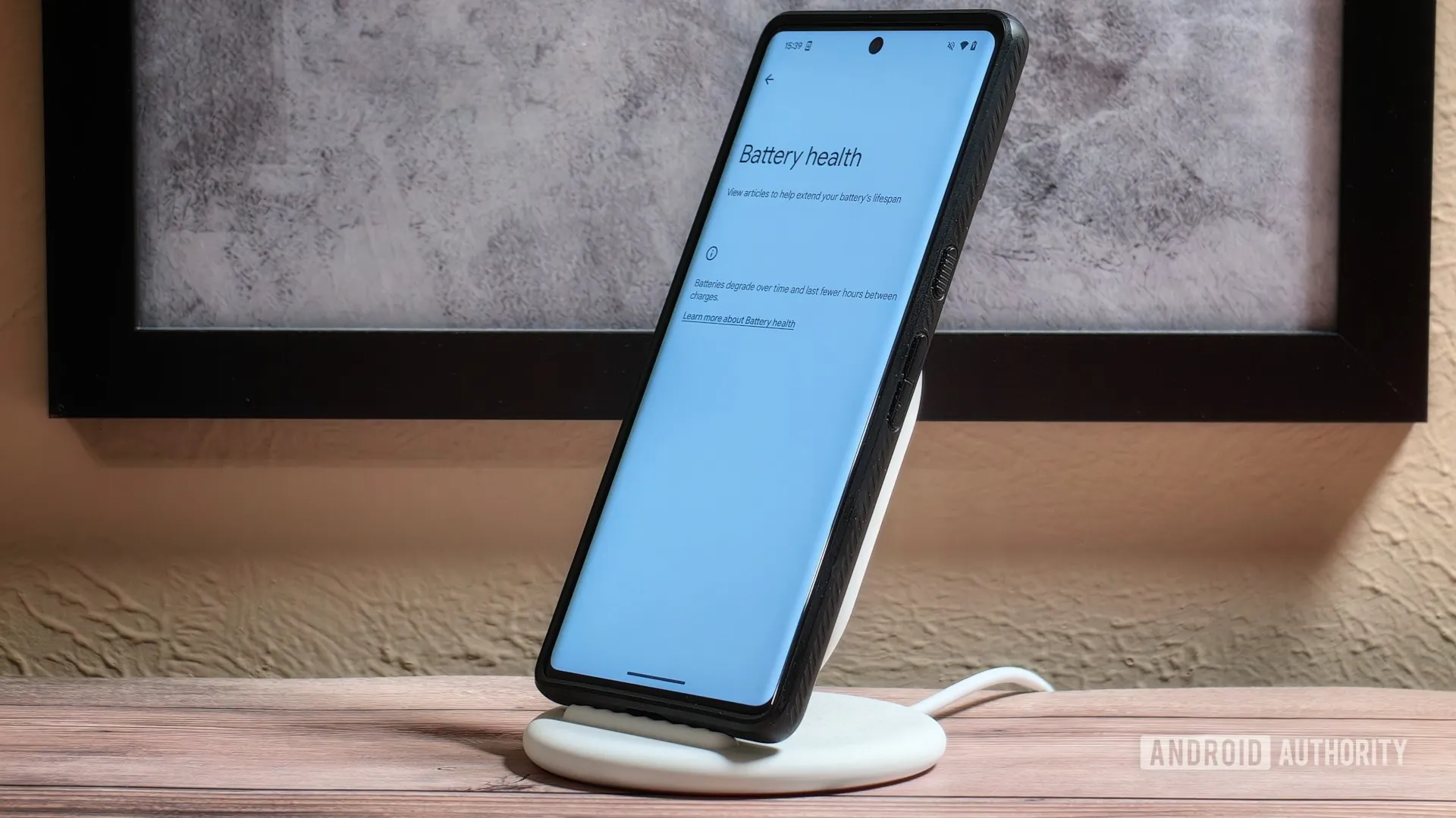
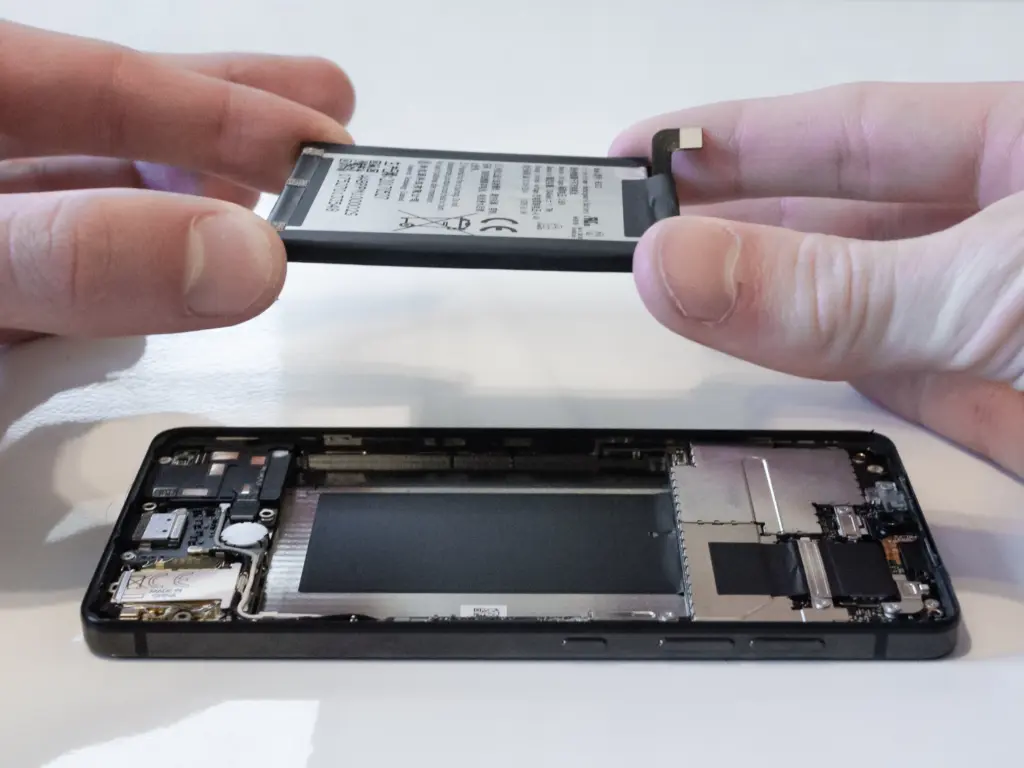
Over time, the battery in your phone will progressively degrade, giving it less life between charges than it did when it was brand-new. All phones are like this. Batteries in certain older phones might only provide 50% of their previous capacity. Your phone may even alert you when it senses that your battery isn’t providing enough power, in which case it may limit your processor to make up for it.
Don’t worry; most phones have a battery that is rather simple to change on your own to give it a fresh lease on life. If your battery is about to die, it could be worth trying to repair it yourself. iFixit offers a wide range of kits and third-party replacement batteries to fit a large number of phones.
If you’re not very confident with your screwdriver skills, this might be a nice alternative to think about. There are a number of places you can take your phone to have your battery replaced, or even other components like a broken screen. However, not all of them are really legitimate.
Remove old apps that you are not using anymore
Your phone is probably cluttered with thousands of pictures of your friends, pets, or the plates of food you’ve consumed over the years if you’ve owned it for a long time. You probably have a number of outdated apps and games that you downloaded on the spur of the moment, played for a few bus rides, and then switched to the newest mobile gaming craze.
In addition to negatively impacting your phone’s general performance, a shortage of storage may also make it more difficult to install important software updates. It’s worthwhile to look through your archives, remove anything from your phone that is wasting space, and backup any pictures and movies you wish to store to the cloud.
It might even be worth backing up all of your crucial data and performing a complete factory reset, starting over, and only installing the necessary apps if your phone has been slow for a long period.
Clean out your ports
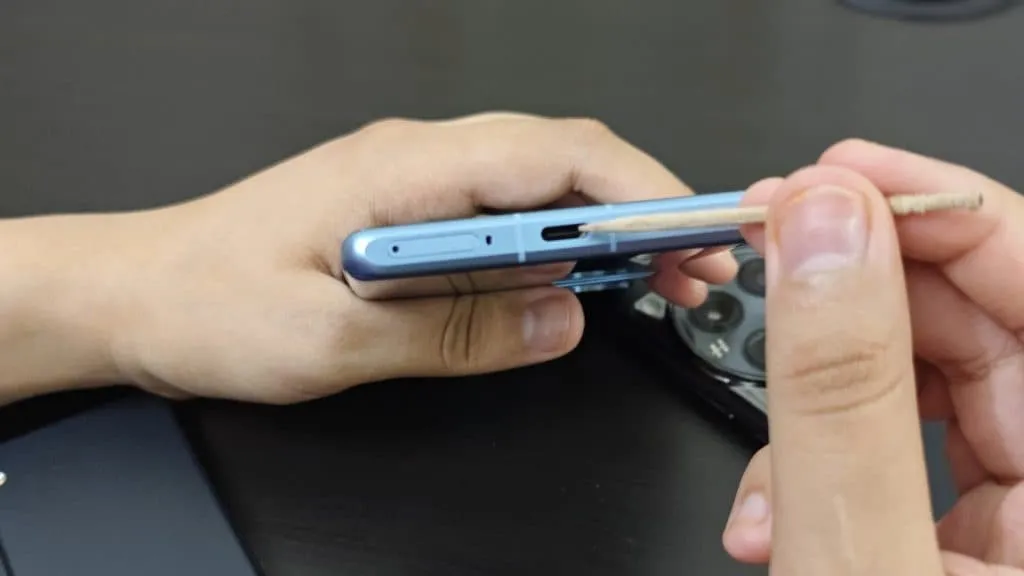
Last but not least, cleaning your phone can offer unexpected benefits. Your phone may suffer greatly from pocket fluff, especially when it comes to the charging connector, which frequently becomes clogged with bits of junk. As a result, your phone won’t charge when you plug in your charger because it can’t connect completely.
It’s tempting to assume that something has broken, like the cable or the charging port itself, but it could just be that the port is overflowing with lint. To make sure your charger fits without requiring forceful wriggling, occasionally insert a wooden toothpick into the area and try to ease out any dirt or debris you notice.
To make sure you can clearly hear—and be heard—during your phone calls, it’s also worthwhile to carefully brush away any debris you may discover near the speakers and microphones with an old toothbrush that has been cleaned and dried.
Users of iOS and Android, take note! You currently have the opportunity to download several premium apps for free. But act quickly—these amazing deals aren’t around for long, so take advantage of them before these apps revert to their premium editions.
With a wide range of programs to suit all your needs, the Google Play Store and the Apple App Store are overflowing. Many of the alternatives are free, while some have a cost. The sporadic promotional events where a variety of paid apps are available for free download are sometimes overlooked. We’ve compiled a fascinating list of some of the most intriguing apps available for free at the moment.
Even if you don’t require an app right away, install it if it piques your curiosity. It will be added to your app library and marked as “bought” as a result. After that, you may uninstall the app straight from your phone and get it back for free anytime you need it.
Android
Free Android Apps
DJ Music Mixer ($9.99): Have a bunch of MP3s or audio files on your phone and want to play DJ? Do so with this app!
Equalizer & Bass Booster Pro ($2.49): Get better-sounding audio from the software perspective with this app. Oh yes, a kick of bass doesn’t hurt, either.
Volume Booster & Sound Booster ($2.99): Just when you think that the music is not loud enough, this app comes to the rescue.
Clean Wave Water Eject Pro ($2.49): Even if your phone is waterproof or water resistant, why not remove unwanted water from its speaker area with this app that claims to do so? We have not tried it, so it’s your call!
Free Android Games
Brain App Daily Training ($7.99): Our brain is also an organ that would benefit from mental exercises, so why not give this game a spin?
Grow Zombie ($1.99): What kind of grotesque creation do you think you can come up with in this zany zombie-growing game?
Neo Monsters ($0.99): Collect monsters, train them, take care of them, send them out to fight, and watch them grow more powerful!
Heroes Legend: Epic Fantasy ($0.99): Train heroes up and equip them with better weapons and gear as you progress in the game to grow even more powerful.
Sky Wings ($0.99): An intense, fast-paced shoot ’em up that is set in space. Do you have the reflexes to take down your enemies?
iOS
Free iOS Apps
Alarmix ($3.99): Waking up to a jarring alarm clock can be disturbing, but the good thing is that this alarm app does so gently.
Air ShareWifi File Transfer ($4.99): An easy way to transfer music, videos, documents, photos, heck—any files from the PC or Mac to an iOS device over Wi-Fi by simply dragging and dropping.
Bed Time Large Clock ($0.49): The regular clock doesn’t have a large enough font for you to see? Good thing there’s an app for that.
iDousyn ($6.99): An app that transforms the iPhone or iPad into a professional music production powerhouse wherever you go, with its touch-based interface.
The Jiu Jitsu Class Volume 1 ($19.99): While you cannot download kung-fu modules like Neo in The Matrix, you can still learn Jiu Jitsu from an app…
Free iPhone games
Get Gabbin’ ($1.99): I guess this is more of a game, offering conversational topics so that no date or meet-up will be awkward, ever again.
Puffin Rock Music! ($1.99): An educational game for the little ones, where they embark on an adventure with a group of puffins and create their own music.
Pro Wrestling Manager ($3.99): Time to make a career out of wrestlers, as you manage them well and make them superstars.
Axion Run ($0.99): A game that tests your reflexes, as you try to break free from gravity in an intense competition with friends.
Sky Master ($0.99): A beautiful shoot ’em up that is set in space, where you take down enemy ships in intense space dogfights.
Even if you don’t require an app right away, install it if it piques your curiosity. It will be added to your app library and marked as “bought” as a result. After that, you may uninstall the app straight from your phone and get it back for free anytime you need it.
As of the date of publication, the deals were active. Please share any expired deals you come across in the comments section below.
We advise you to review the app’s details in the Play Store or App Store before downloading any of the aforementioned apps. This is crucial as some of these free apps can offer unique features or drawbacks of their own.
Both free and paid apps should be avoided since they could have unnoticed in-app purchases and adverts. This is especially important while downloading kid-friendly games.
We occasionally choose an intriguing selection of apps for fans of both Android and iPhone, which are often paid for but are currently accessible for free for a little period of time. Take advantage of these amazing discounts on games and apps to expand your device’s app library—just make sure to act quickly!
We cannot guarantee how long these promotions will remain available on the Google Play Store or Apple App Store, so please keep in mind that they are just temporary. Therefore, it’s best to grab them while you can. Just a gentle warning to be mindful of any potential membership commitments, in-app purchases, and adverts that may accompany them.
Even if you don’t require an app right away, install it if it piques your curiosity. It will be added to your app library and marked as “bought” as a result. After that, you may uninstall the app straight from your phone and get it back for free anytime you need it.
Android Apps and Games
Android Apps
Clock Widget ($0.99): Want to have the time told in words? This widget should do a decent job.
TriSolve ($0.99): See math from a different angle (heh!) with this app that helps calculate all things triangles for you.
QR and Barcode Scanner ($5.99): Here is a QR reader and barcode scanner code app that will make your life convenient.
DogTok ($2.99): This app claims to be able to help you interact with your dog, but don’t expect to have heart-to-heart conversations with your furkid anytime soon.
Android Games
Undead City: Survivor Premium ($0.99): You are a hero with many skills, and have a city full of hapless people to defend from waves of zombies. Can you do it?
Zombie Age 3 ($0.99): The zombie apocalypse is upon you, and you will need to have all your wits with you to survive.
Monster Killer Pro Shooter ($0.49): Choose from different characters with varying abilities to shoot monsters from a top-down perspective.
Live or Die: Survival Pro ($0.99): It is up to your wits and wisdom to survive an unforgiving environment.
Everybody’s RPG ($0.49): Go around, adventurer, recruiting more powerful heroes as you progress in the game to conquer new lands and defeat more dangerous enemies.
iOS Apps and Games
iOS Apps
Stickyboard 2 ($4.99): Imagine a giant board that lets you play with an unlimited number of sticky notes!
Breastfeeding Central ($1.99): A personal breastfeeding helper that you can ‘summon’ regardless of the time of the day (or night!) as it provides you with tips and tricks.
Amsterdam Audio Stories ($8.99): Walk through Amsterdam without actually being there, reliving the stories told over your headphones.
Type Freely ($4.99): This app lets you get all your texts written freely, professionally, and shared as an HD image on social media.
Pool Calculator ($4.99): If you need help with calculations for your swimming pool or hot tub chemistry maintenance, then this app helps get the right balance on things.
iPhone games
Word Search Creator ($0.99): Looking for a way to engage your audience? Why not come up with your own word search puzzle?
DEEMO ($1.99): A mobile rhythm game that requires you to have impeccable timing and a sense of rhythm.
Dead Rails ($6.99): If you love railroad networks, then how about navigating a train yourself through intricate rail networks while transporting passengers?
Tables – Multiplication Drills ($0.99): I have always been an advocate for practice makes perfect in math, and the same applies when it comes to mastering multiplication.
We advise you to review the app’s details in the Play Store or App Store before downloading any of the aforementioned apps. This is crucial since some of these free apps can have unique features or drawbacks of their own.
Both free and paid apps should be avoided since they could have unnoticed in-app purchases and adverts. This is especially important while downloading kid-friendly games.
In the rapidly evolving world of mobile apps, several companies use cunning tactics to obtain your personal information. But tech buffs, don’t worry! We’ve compiled some crucial advice to help you safeguard your important data. Being selective about the permissions you grant the apps you decide to install is an essential first step.
Searching for the most amazing offers without breaking the bank? Each week, premium apps and games are available for free download for a brief period of time on both the Apple App Store and the Google Play Store. Whether you enjoy immersive games, lifestyle apps, or productivity tools, these short-lived sales are the ideal way to add to your collection without breaking the bank.
The most recent free applications and games for iOS and Android are highlighted in this roundup. It’s a good idea to take advantage of these time-sensitive bargains before they revert back to their normal pricing. We’ll update the list frequently, so you won’t ever miss out on special offers for your preferred mobile devices.
Android apps and games
Apps
English Verbs Pro ($3.99): If you want to up your verb game in English, this app will help nudge you forward.
Sharks 3D ($0.99): Want a live wallpaper without having to go to the aquarium? See sharks swimming around.
Color Wheel ($1.99): Any graphic designer or artist would definitely want to have this app at their disposal in selecting the most accurate color possible.
Rotation Control ($0.99): I guess this is useful for older devices that do not have built-in rotation controls.
3D Anatomy ($2.99): This looks like a rather nifty app to help people get familiar with the human anatomy.
Games
SPHAZE ($0.99): A sci-fi puzzle game that tickles your imagination while featuring great-looking graphics.
Cypher Vocab ($0.99): A GRE vocabulary game to help build up your word power.
Fiete Choice ($2.99): Want to keep your little ones occupied? This game will garner their attention.
The deals were active on the day of publication. Please leave a comment below if you come across an expired deal.
Before downloading any of the aforementioned apps, we advise you to review the app’s details in the App Store or Play Store. Because some of these free programs might offer unique features or drawbacks of their own, this is crucial.
Both free and paid apps should be avoided since they could have unnoticed in-app purchases and adverts. This is especially important while downloading kid-friendly games. In the rapidly evolving world of mobile apps, numerous companies use cunning tactics to obtain your personal information. But tech buffs, don’t worry! We’ve compiled some crucial advice to help you safeguard your important data. Being selective about the permissions you grant the apps you decide to install is an essential first step.
Discover the wide range of free apps that are accessible on the iOS and Android operating systems, all while protecting your data.